AI Scheduling Tools for Primavera P6 Environments
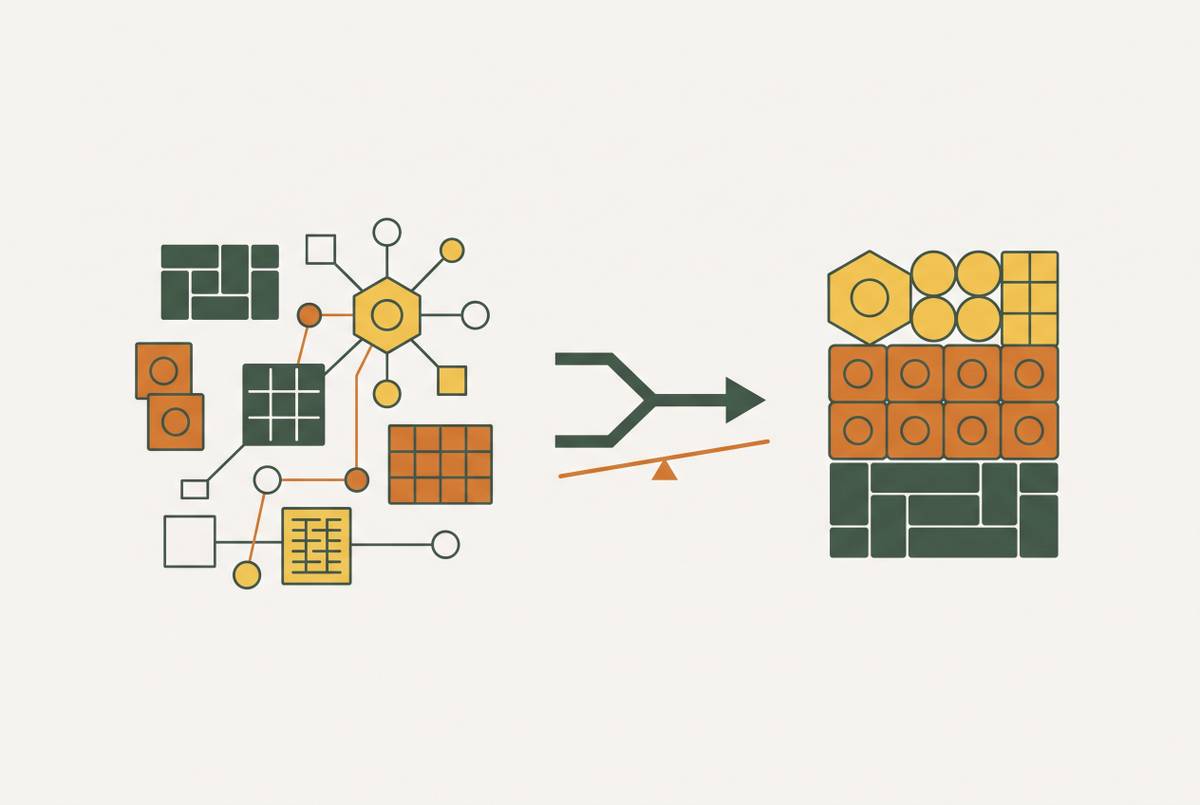
These tools amplify weak schedules unless the underlying P6 logic is sound first.
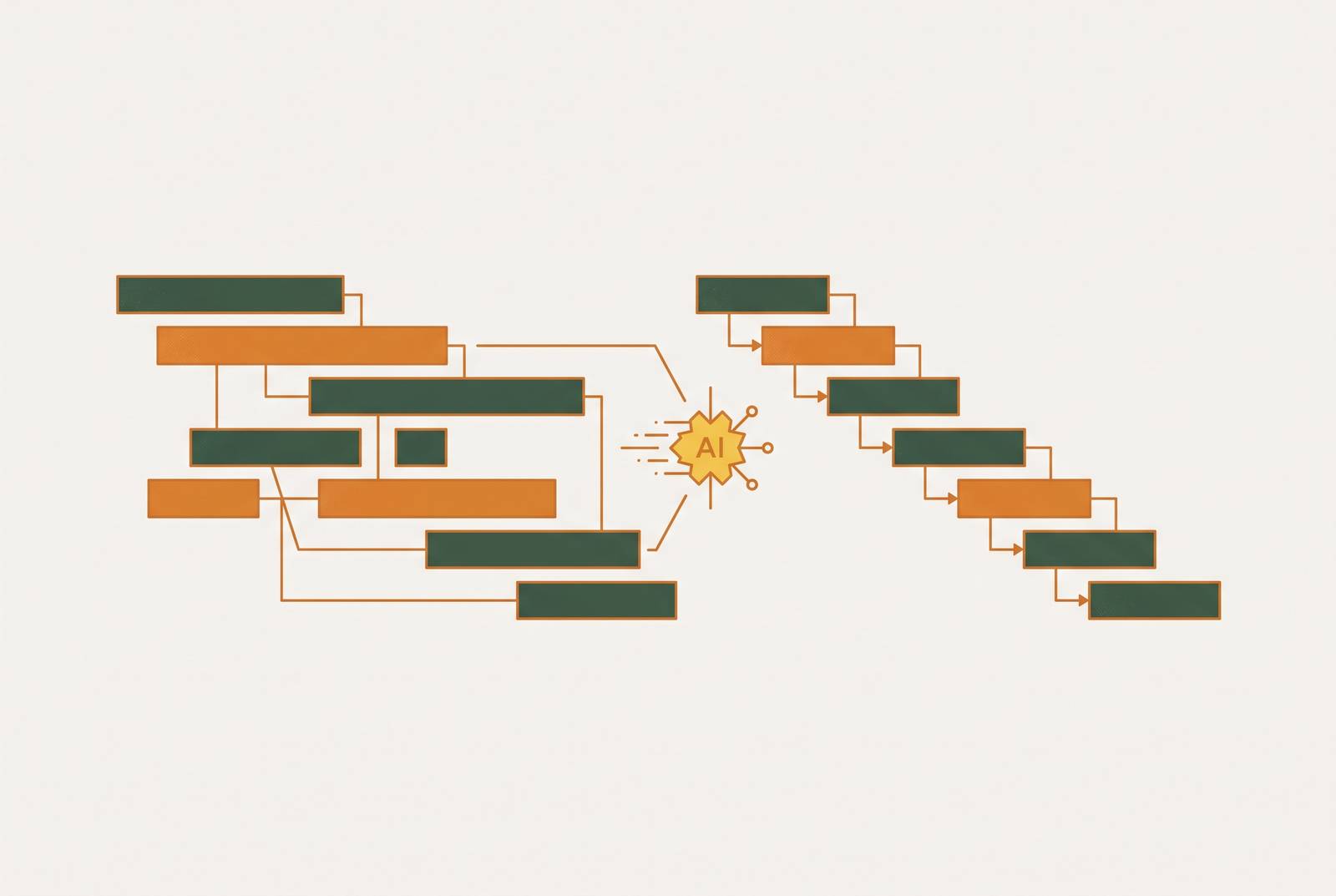
A Primavera P6 schedule is a calculated CPM network built from WBS elements, activity IDs, calendars, durations, predecessor and successor logic, relationship types, lag, resources, costs, constraints, baselines, and a data date, all tied together so that a change anywhere can ripple everywhere. On a program with a few hundred activities, a scheduler can hold most of that network in their head. On a program where the activity count runs into the thousands, the interdependencies grow faster than the team reviewing them does, and a single missed predecessor or an unjustified lag can quietly shift float and reroute the critical path without appearing as a visible change in the Gantt chart. The schedule still looks fine. It simply isn't telling the truth anymore.
Manual review is good at catching discrete, visible errors: a duration that looks wrong, a milestone with no logic tied to it, a constraint that someone forgot to remove. It is not built to test the combinatorial space of sequence alternatives, and it cannot easily tell a scheduler which small subset of activities is quietly carrying most of the project's risk. You have to run many versions of the schedule against each other to catch that, and no one has time to do it between update cycles.
The problem compounds when the schedule doesn't live in one place. When the master schedule sits in P6, the short-term look-ahead lives in a separate coordination tool, and field updates arrive through daily reports, the scheduler ends up reconciling activity IDs, dates, status, and baseline commitments by hand, every single cycle. None of this argues that P6 is the wrong tool. P6 remains the contractual record of record for a reason: it enforces CPM discipline in a way looser tools don't. But its analytical ceiling is a human one, set by how much combinatorial complexity one scheduler, or even a team of them, can test manually before the next update is due.
What AI tools do when they connect to a P6 file
AI tools built for P6 environments do not rebuild the schedule and they do not take over the CPM logic. They read the network the scheduler already built and run operations on it that would take too long, or simply be impossible, to do by hand. That distinction sets the boundary on what these tools can and cannot be blamed for, or credited with.
Three operations describe most of what this category of tool actually does. The first is sequence optimization: a generative scheduling engine takes the constraints already encoded in the P6 file and enumerates alternative construction sequences, surfacing options a planner would never have had time to test by hand. The second is risk forecasting: a probabilistic engine runs many simulation passes against the activity network, so it can identify which activities carry the highest chance of slipping and what that slip would cost. The third is schedule quality grading, where automated logic checks flag missing predecessors, open ends, excessive lags, and constraint overuse, turning a routine P6 update into a structured list of defects a human can act on.
In every case, the P6 file is the input, not the output. ALICE Optimize, for example, takes an existing Microsoft Project, Oracle Primavera P6, or Primavera Cloud schedule as its starting point and runs generative scheduling from there; the scheduler's own logic becomes the constraint set the tool works within, not something it discards and replaces. That has a direct consequence: if the schedule logic feeding the tool is weak, with unjustified lags, missing logic ties, or inflated durations, the AI doesn't correct that weakness. It runs its analysis on top of it and amplifies it. Syncing a weak P6 file into a coordination layer spreads bad logic faster across a team; feeding that same weak file into an AI engine does the same thing, just with more computation behind it.
The four tools active in P6 environments
The AI tools working alongside P6 today split cleanly along the three functions described above, plus a fourth: a category that works one layer removed from the schedule, on the documents that define it. Picking the wrong one for a given job is at least as common a mistake as using no AI tool at all, because the marketing around these products rarely draws the functional lines this clearly.
ALICE Optimize handles generative sequence optimization. It takes an existing P6 file as input, so you don't need a full BIM model to run it. It offers two modes: Targeted Optimization, built for rapid schedule acceleration insights, and Resource Optimization, for analysis that factors in resource data. If testing sequence alternatives and resource trade-offs is your main goal on a project, you're likely a general contractor or an owner or developer. Pricing is custom, based on project type, size, and priorities, and requires a consultation call to get a number.
nPlan handles historical-data risk forecasting. On the Transpennine Route Upgrade, the head of strategic programme controls described the value of the approach as removing human bias in favor of learning from actual data and historical performance. You want this tool if you're an owner or program controls team on a large infrastructure program and your priority is probabilistic duration forecasting and quantifying value at risk, not testing sequence alternatives.
SmartPM handles automated schedule quality grading. It grades CPM schedule quality automatically and flags logic defects, so when you run a routine P6 update, you get plain-language findings you can act on without digging through the network yourself. You can set it up fast against an existing schedule, because it needs no schedule rebuild to start working. If you need to monitor contractor schedule health across a portfolio of projects, this suits you, because the value lands in contract compliance and delay analysis, not in building the critical path itself.
Nomic AEC agents handle document and contract reasoning around the schedule, which is a distinct function from the three above. These agents read contract documents and Division of Conditions specifications to pull out time-related requirements: milestones, phasing constraints, and liquidated-damages terms. They answer scheduling-relevant questions across a project's full document and model set, including project model files, and they attach a source link to every answer they give. They support delay and claims analysis by reading schedule updates, correspondence, and daily records and cross-referencing them against each other. They integrate with a range of construction document management and collaboration platforms, and they carry SOC 2 Type II certification, with data hosted across several global regions. Pricing starts with a free tier, then an individual paid monthly plan, then a business per-user monthly plan with a minimum seat requirement, then a custom enterprise tier. You want this tool if you need to read and reason over the documents that define and dispute a schedule, not if you're trying to build the CPM schedule itself. It works on the documents surrounding the schedule rather than on the XER file directly, which means it answers what the contract actually requires, a function the other three tools don't touch and that often gets neglected until a dispute forces the issue.
PyP6Xer rounds out the landscape as an MCP-protocol tool for schedule querying. It works as an MCP server that analyzes Primavera P6 XER schedule files for AI assistants, so a technically capable user can interrogate a P6 file through a conversational interface without standing up a full enterprise platform around it. It suits teams that want a direct, lightweight way to ask questions of a P6 file.
What Primavera P6 2026's native Schedule Intelligence adds
Oracle built AI directly into P6 2026 under the name Schedule Intelligence, which raises the question for anyone evaluating the four tools above of why a third-party layer would be necessary. The native capability produces measurable results. Bechtel, as an early adopter, reported that the AI-powered Schedule Intelligence feature cut the time required for initial schedule development by approximately 40%, freeing planners to spend more of their time on optimization and risk mitigation rather than on the mechanics of building the schedule from scratch.
That's a meaningful gain, and it addresses a real bottleneck: getting a usable schedule built in the first place. But the native AI is trained on, and bounded by, the data inside the user's own P6 environment plus Oracle's aggregate dataset. It does not carry the depth of external project history that a tool like nPlan brings to bear, trained as it is on a dataset spanning hundreds of thousands of completed schedules. It also doesn't read the contract documents, specifications, or field correspondence that surround a schedule, the layer Nomic AEC agents are built specifically to work through.
The practical split follows from that gap. If your main need is faster schedule development and resource leveling inside P6 itself, the native AI may be enough for you on its own. A team whose main need is probabilistic risk forecasting benchmarked against a large external dataset, or document-level contract reasoning across milestones and liquidated-damages terms, will find that the native capability doesn't cover that ground. Oracle's tool and the specialist tools are not competing for the same job.
Where the data dependency chain breaks
None of the tools described above can outperform the data they are given. An AI scheduling tool's output is only as good as what it ingests, and most P6 environments have not closed the data dependency chain that responsible use of these tools actually requires.
That chain runs in a specific order: it starts with the integrity of the P6 schedule itself, meaning logic integrity, discipline around the data date, and baseline fidelity, then extends out through subcontractor commitments, material lead times, procurement status, and actual conditions on site. Every link in that chain has to be current and accurate for an AI tool's output to be something a team can act on with confidence. If you break any one link, the tool keeps producing answers, but the answers stop describing the project.
The break usually happens in the same place it always has: the master schedule lives in P6, the short-term look-ahead lives in a separate coordination tool, and field updates arrive through daily reports and meetings. The scheduler reconciles all three by hand, and the P6 file an AI tool reads may already be a lagging, partially stale picture of what is actually happening on site by the time anyone runs an analysis against it. A specific and common version of this failure happens when a tool like Smartsheet becomes an unofficial second baseline, where project teams start rewriting CPM logic directly inside the coordination tool without routing those changes back through formal approval. At that point the P6 file no longer reflects field reality, and any AI running its analysis on that file is optimizing a fiction dressed up as a schedule.
Among the failure points in this chain, procurement and energization readiness are the most exposed. If you don't track material lead times and supplier status in real time, an AI tool's sequencing or risk recommendations can't account for whether the activities it just optimized are actually executable on the dates it proposes. A handful of structural problems tend to compound this across larger organizations: process definitions that differ from one region or project type to the next, poor data quality in vendor records and cost codes, weak integration between ERP systems, project management platforms, document control, and field systems, and a lack of clear governance over which schedule changes require a scheduler's review before they're allowed back into P6. Each of these is solvable on its own. If you leave them unaddressed together, they decide whether an AI tool connected to P6 gives you a real analytical advantage or just a faster, more confident version of the same bad information you already had.